# Reticulum MeshChatX
> [!IMPORTANT]
> v4 coming soon with release builds for Linux and Windows (Appimage and EXE portable/installer). As well as updated container images and wheel packages. You can test v4 using container by replacing normal image with `git.quad4.io/rns-things/meshchatx-dev:dev`
Contact me for issues, ideas and how to get an account for this gitea instance:
```
LXMF: 7cc8d66b4f6a0e0e49d34af7f6077b5a
XMPP: ivan@chat.quad4.io
Email: ivan@quad4.io
```
[](https://git.quad4.io/RNS-Things/MeshChatX/actions/workflows/ci.yml)
[](https://git.quad4.io/RNS-Things/MeshChatX/actions/workflows/tests.yml)
[](https://git.quad4.io/RNS-Things/MeshChatX/actions/workflows/build.yml)
[](https://git.quad4.io/RNS-Things/MeshChatX/actions/workflows/docker.yml)
A [Reticulum MeshChat](https://github.com/liamcottle/reticulum-meshchat) fork from the future.
This project is separate from the original Reticulum MeshChat project, and is not affiliated with the original project.
> [!WARNING]
> Backup your reticulum-meshchat folder before using! MeshChatX will attempt to auto-migrate whatever it can from the old database without breaking things, but it is best to keep backups.
## Goal
To provide everything you need for Reticulum, LXMF, and LXST in one beautiful and feature-rich application.
- Desktop app (Linux, Windows, macOS)
- Self-host on your server easily with or without containers
- Mobile app (one can dream)
- Reliable, secure, fast and easy to use.
Note on macOS: You will need to manually build or use containers since I do not have a macOS machine or runner.
## Quick Start (Docker - Recommended)
The easiest way to get MeshChatX running is using Docker. Our official image is multi-arch and supports `linux/amd64` and `linux/arm64` (Raspberry Pi, etc.).
```bash
# Pull and run the latest image
docker pull git.quad4.io/rns-things/meshchatx:latest
# Run MeshChatX in a Docker container
docker run -d \
--name=meshchatx \
-p 8000:8000 \
-v $PWD/storage:/app/storage \
-v $PWD/public:/app/public \
# --network=host \ # Uncomment for autointerface support
git.quad4.io/rns-things/meshchatx:latest
# Or use Docker Compose for an even easier setup
docker compose up -d
```
Check [releases](https://git.quad4.io/RNS-Things/MeshChatX/releases) for pre-built binaries (AppImage, DEB, EXE) if you prefer standalone apps. (coming soon)
## Major Features
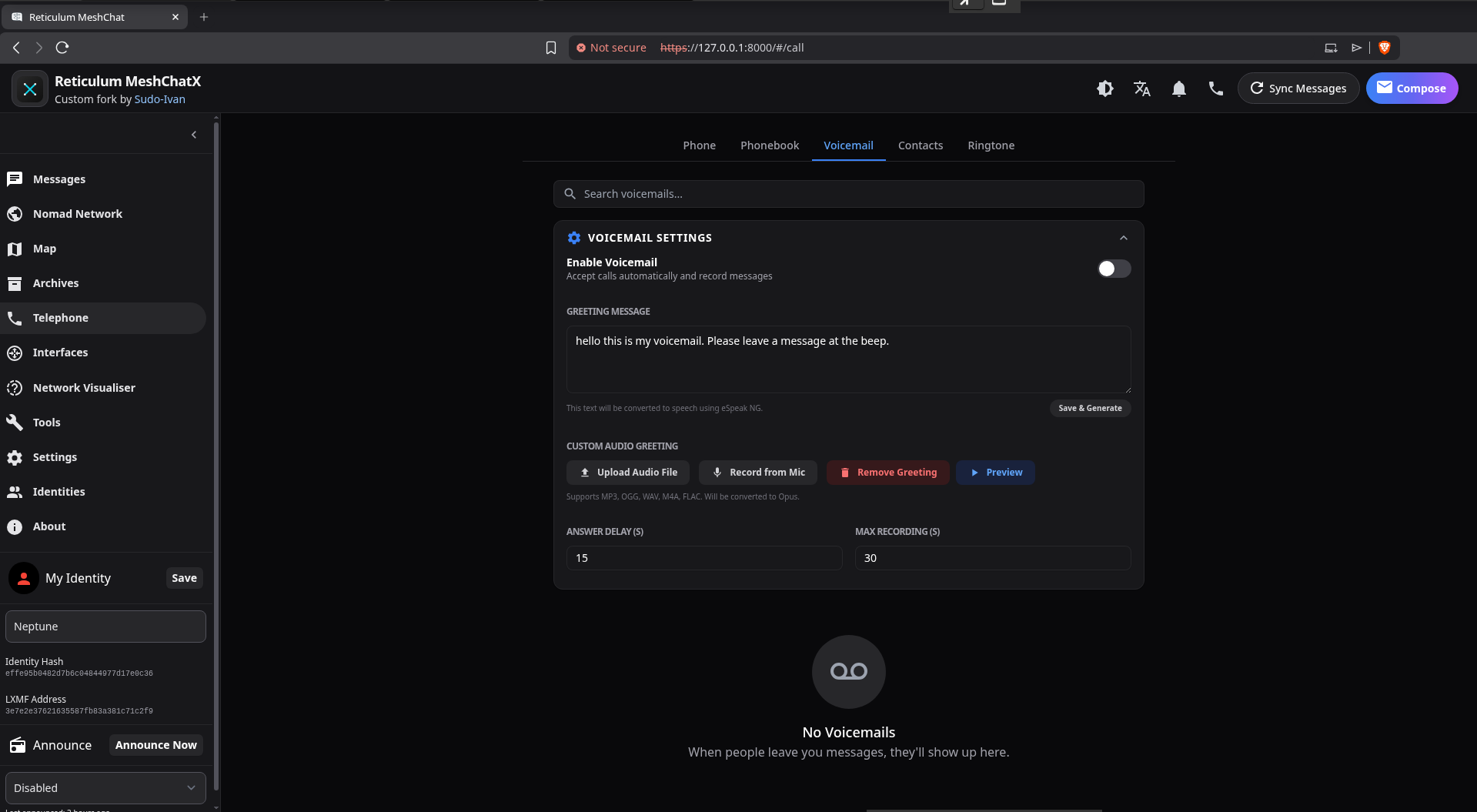
- **Full LXST Support**: Custom voicemail, phonebook, contact sharing, and ringtone support.
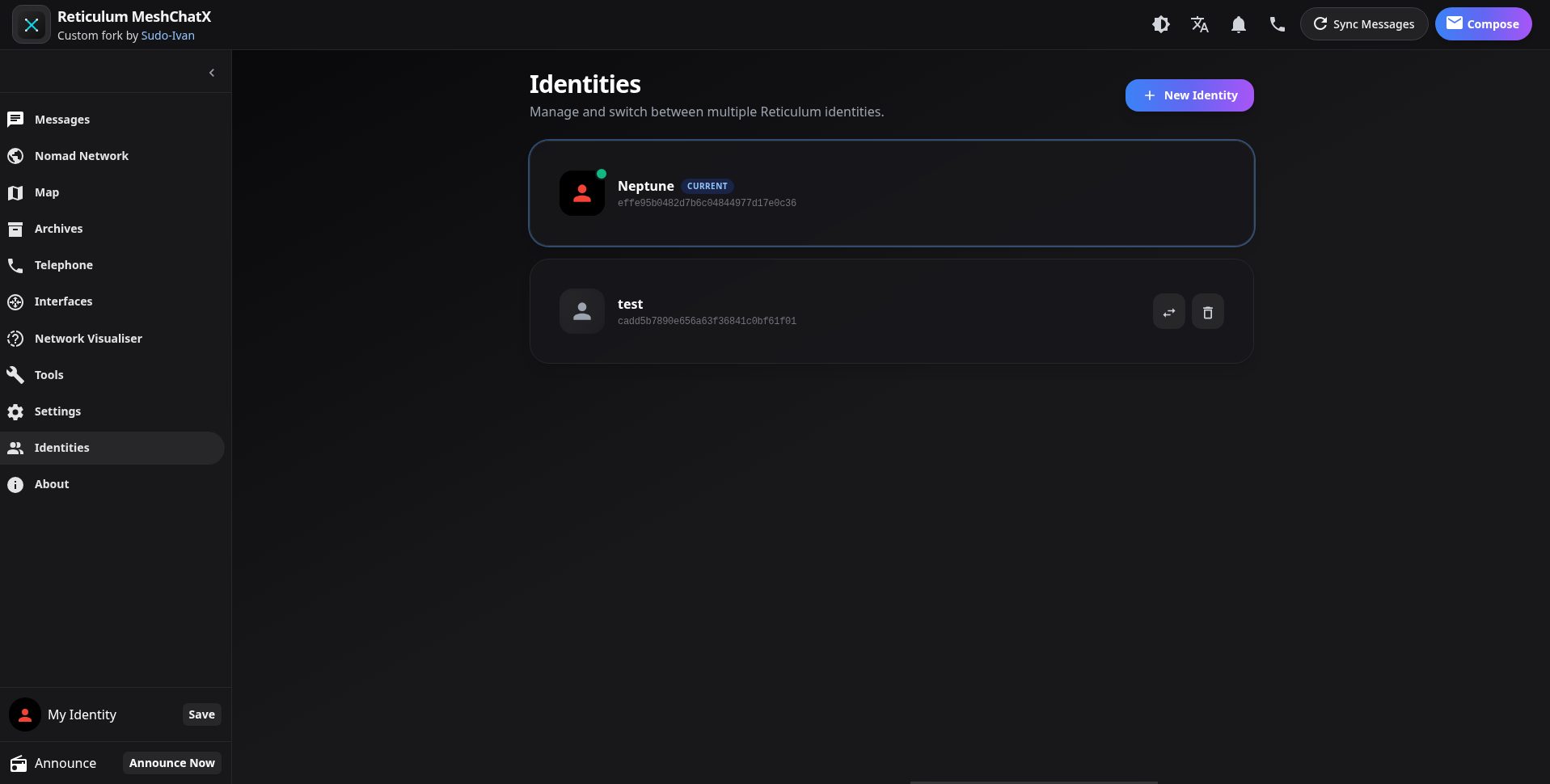
- **Multi-Identity**: Switch between multiple Reticulum identities seamlessly.
- **Modern UI/UX**: A completely redesigned, intuitive interface.
- **Integrated Maps**: OpenLayers with MBTiles support for offline maps.
- **Security**: Read more about it in the [Security](#security) section.
- **Offline Docs**: Access Reticulum documentation without an internet connection.
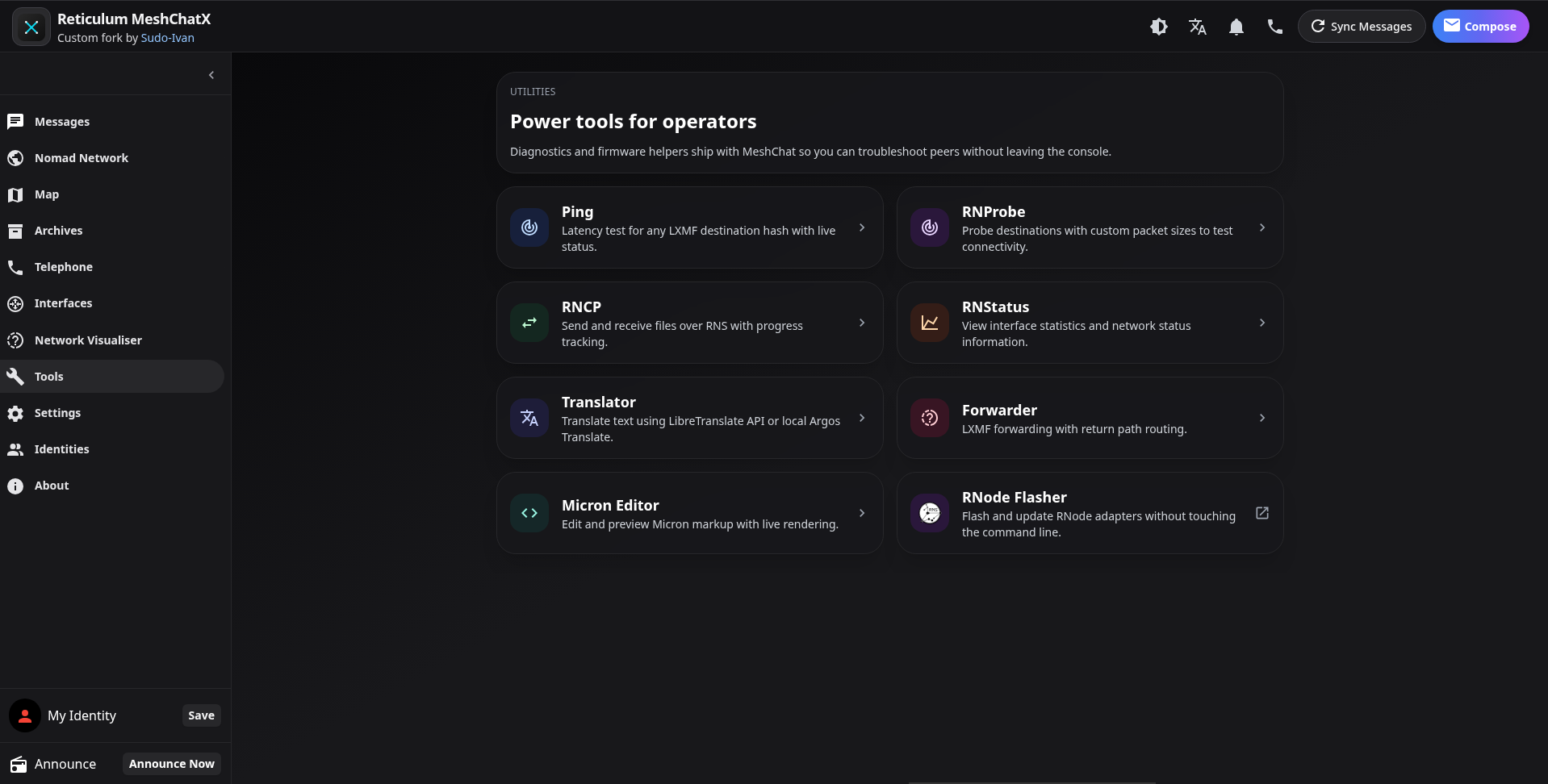
- **Expanded Tools**: Includes RNStatus, RNProbe, RNCP, Micron Editor, Paper Message Generator and a Translator.
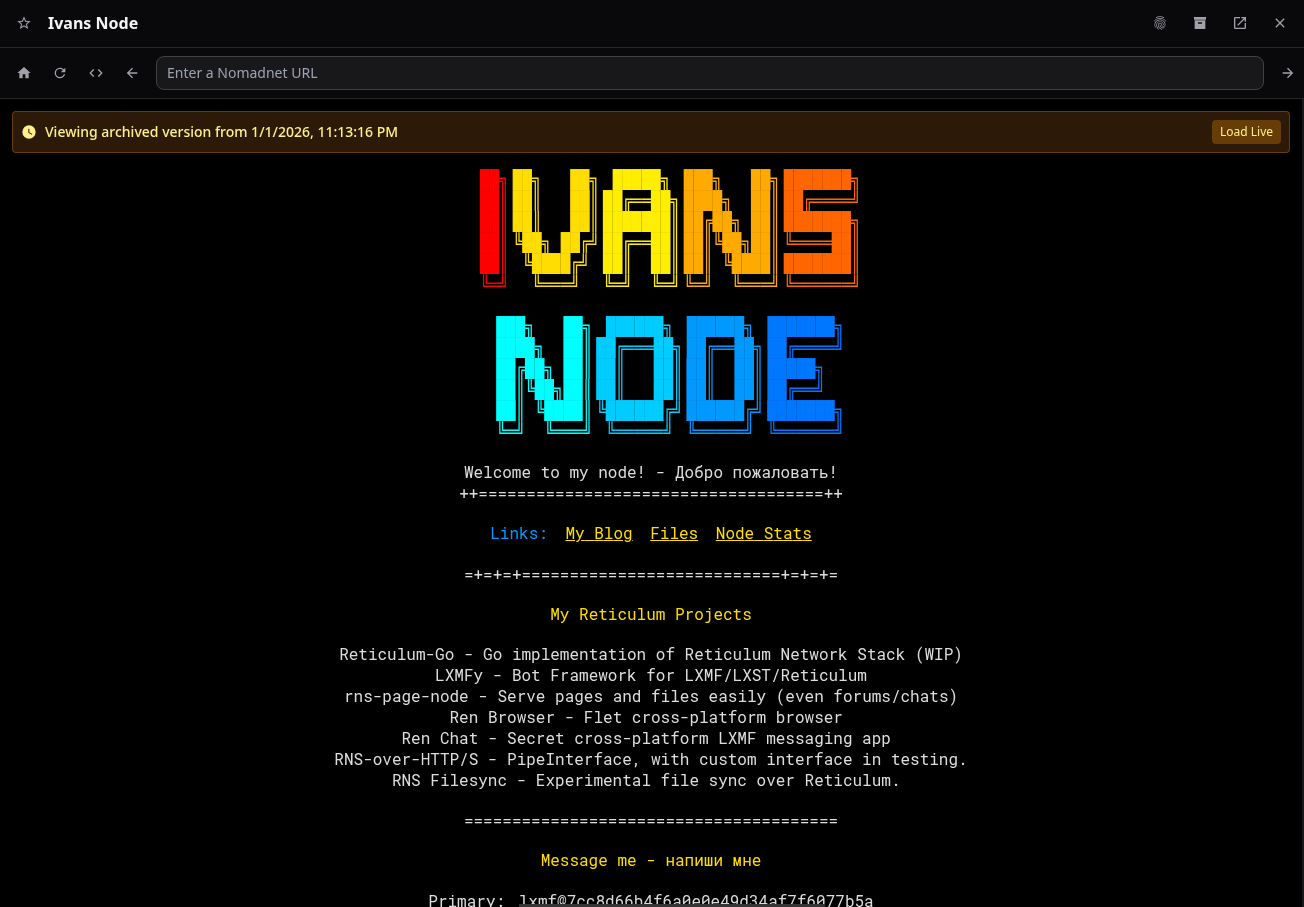
- **Page Archiving**: Built-in crawler and browser for archived pages offline.
- **Banishment**: Banish LXMF users, Telephony, and NomadNet Nodes. (and unbanish them)
- **i18n**: Support for English, German, and Russian.
## Screenshots
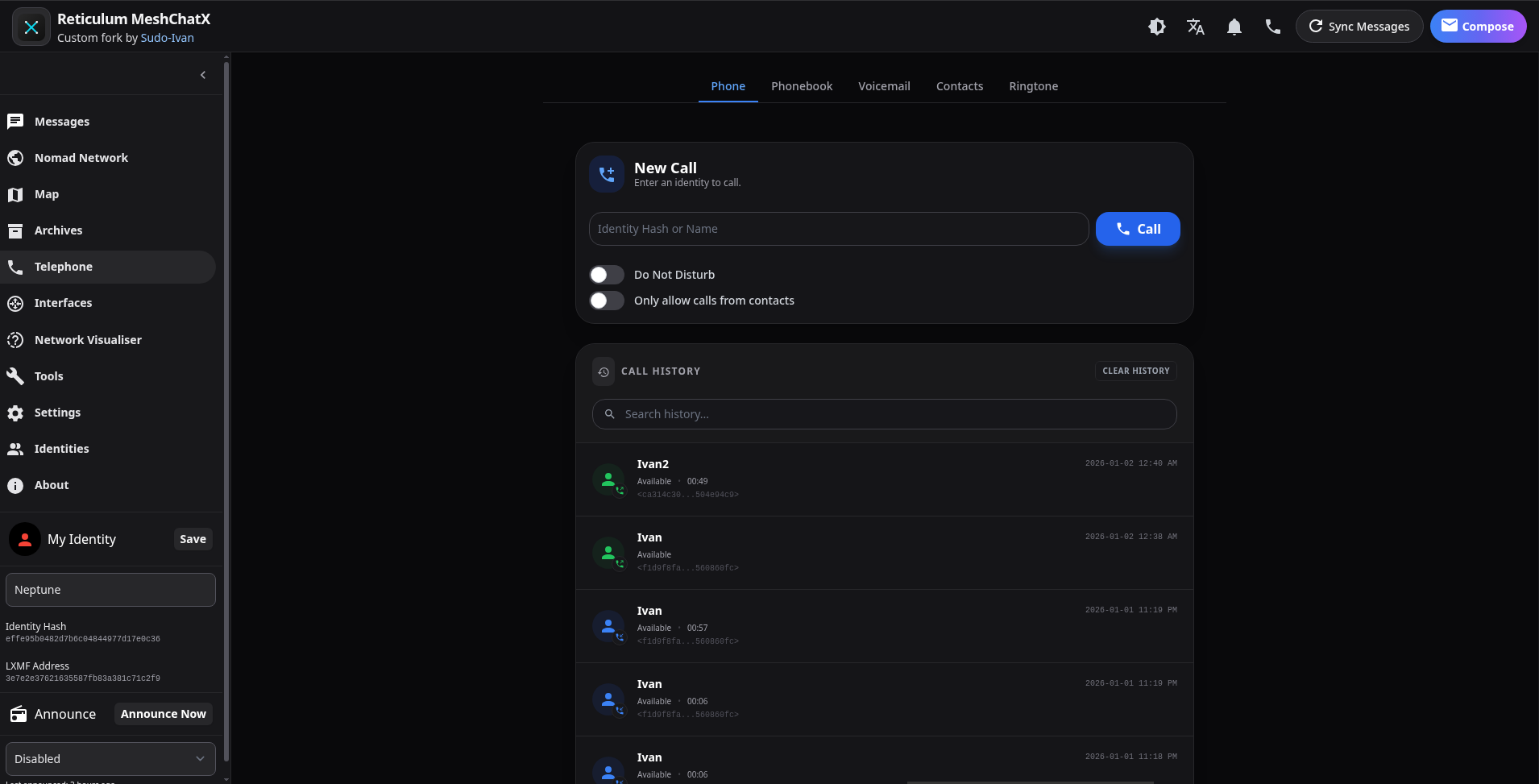
Telephony & Calling
### Phone
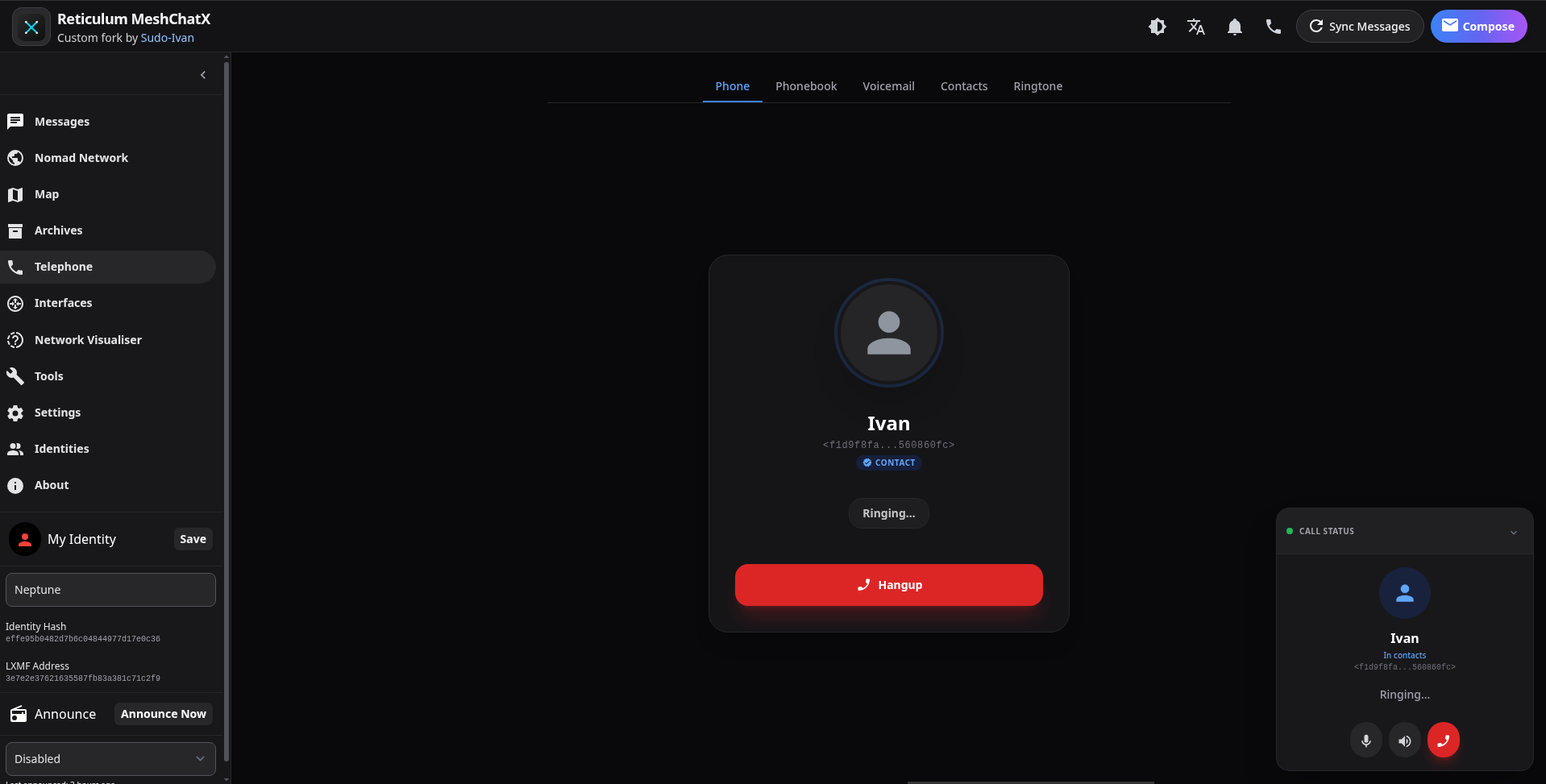
### Active Call
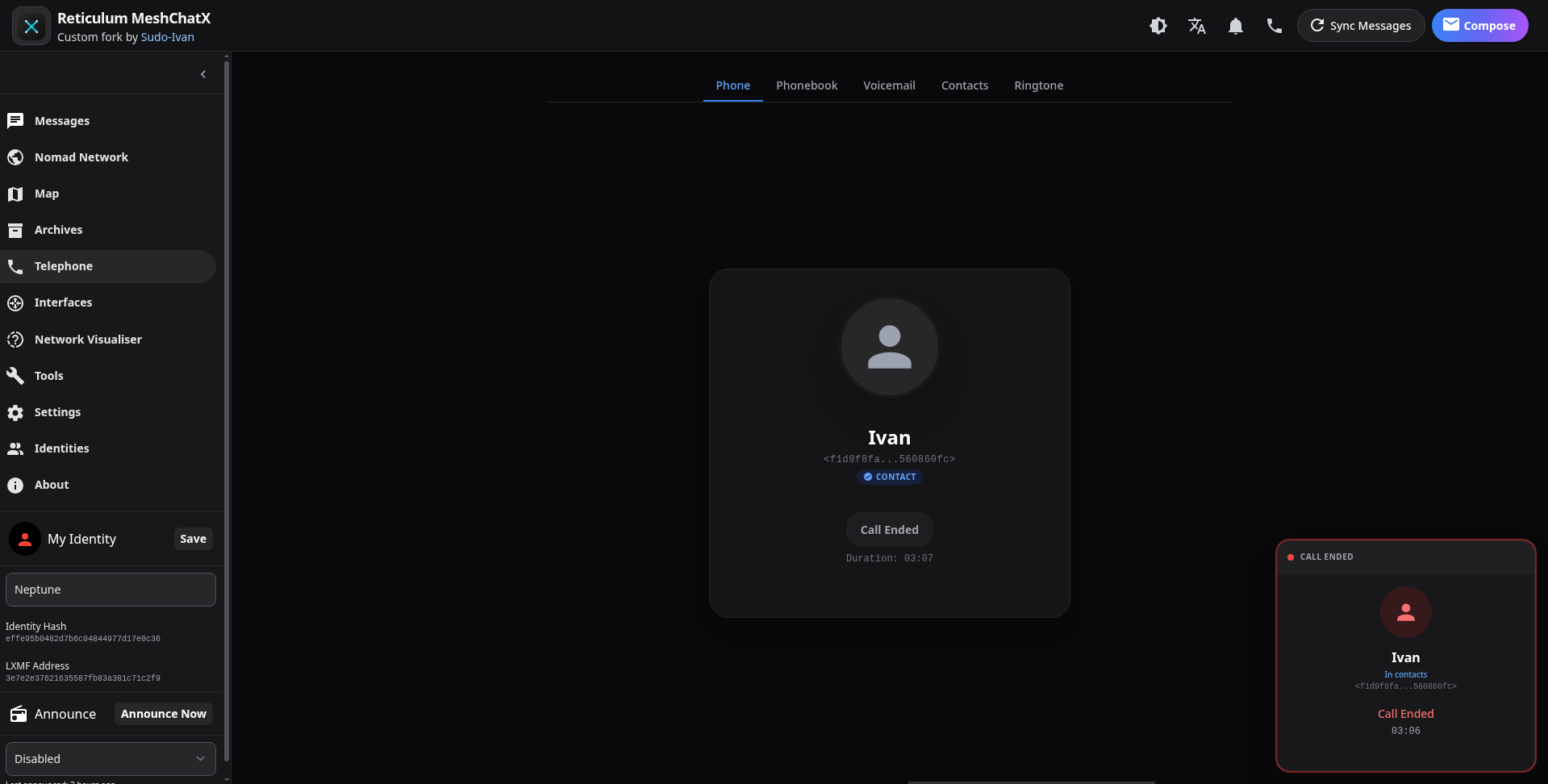
### Call Ended
### Voicemail
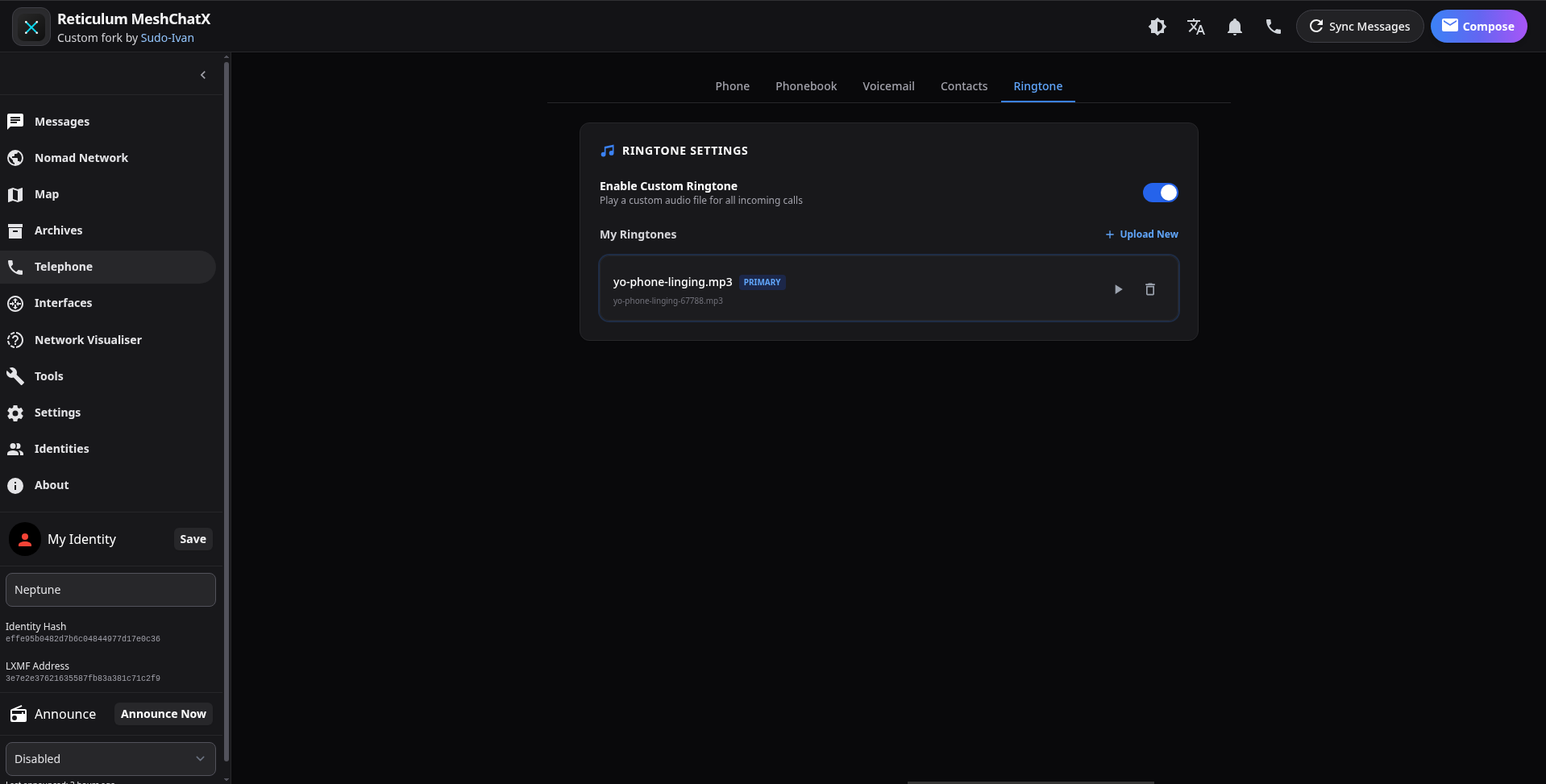
### Ringtone Settings
Networking & Visualization
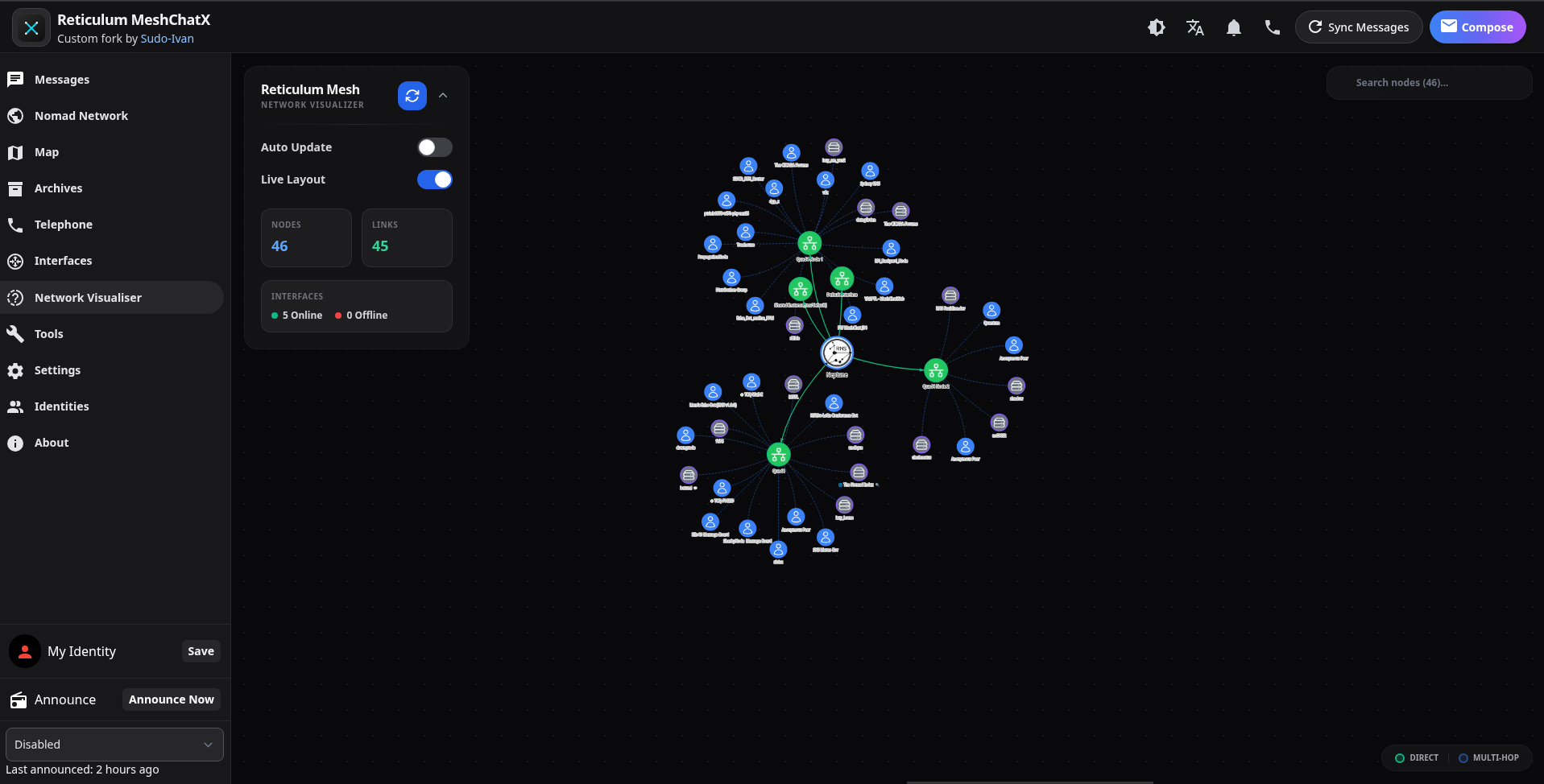
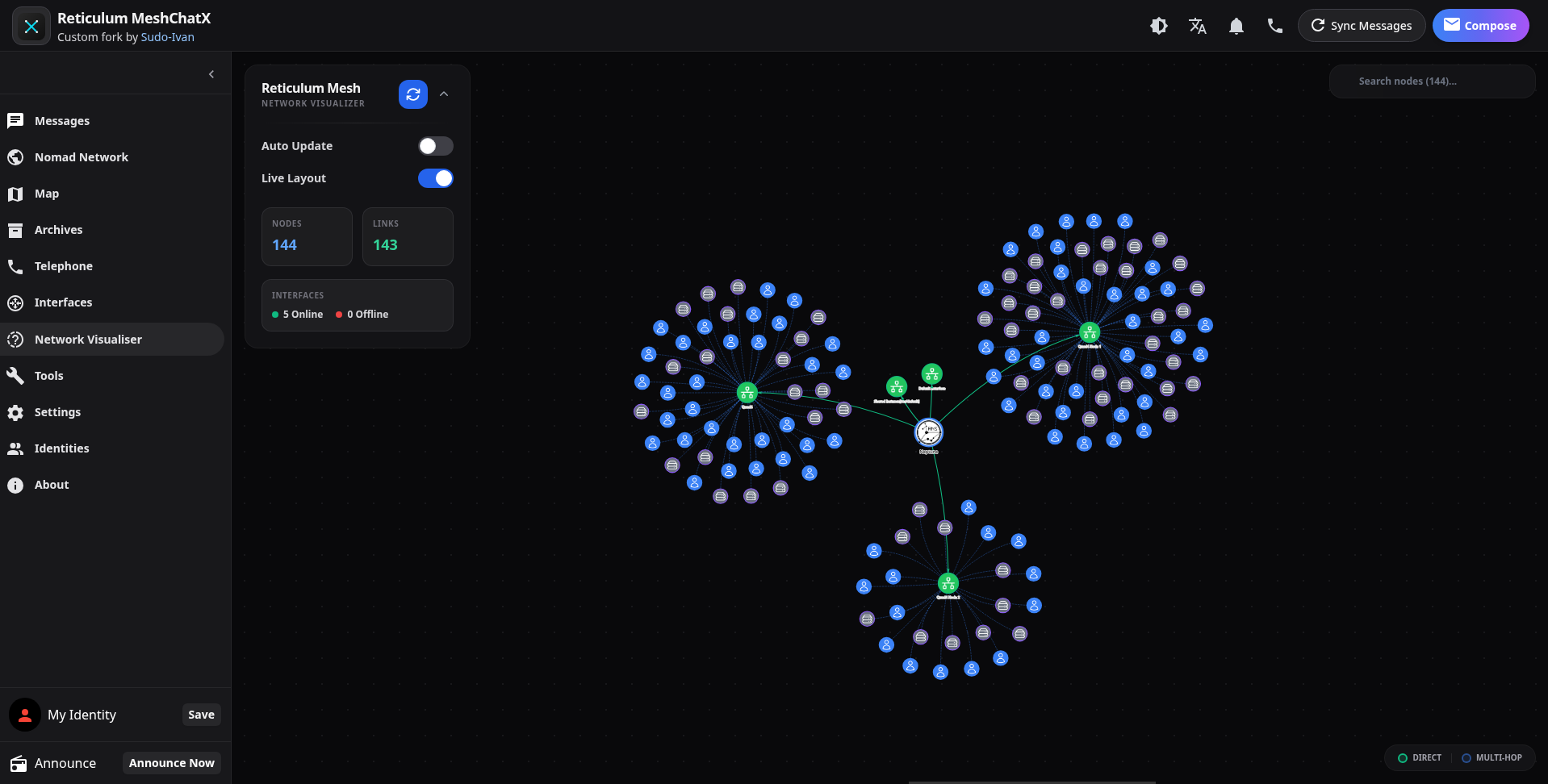
### Network Visualiser
Page Archives
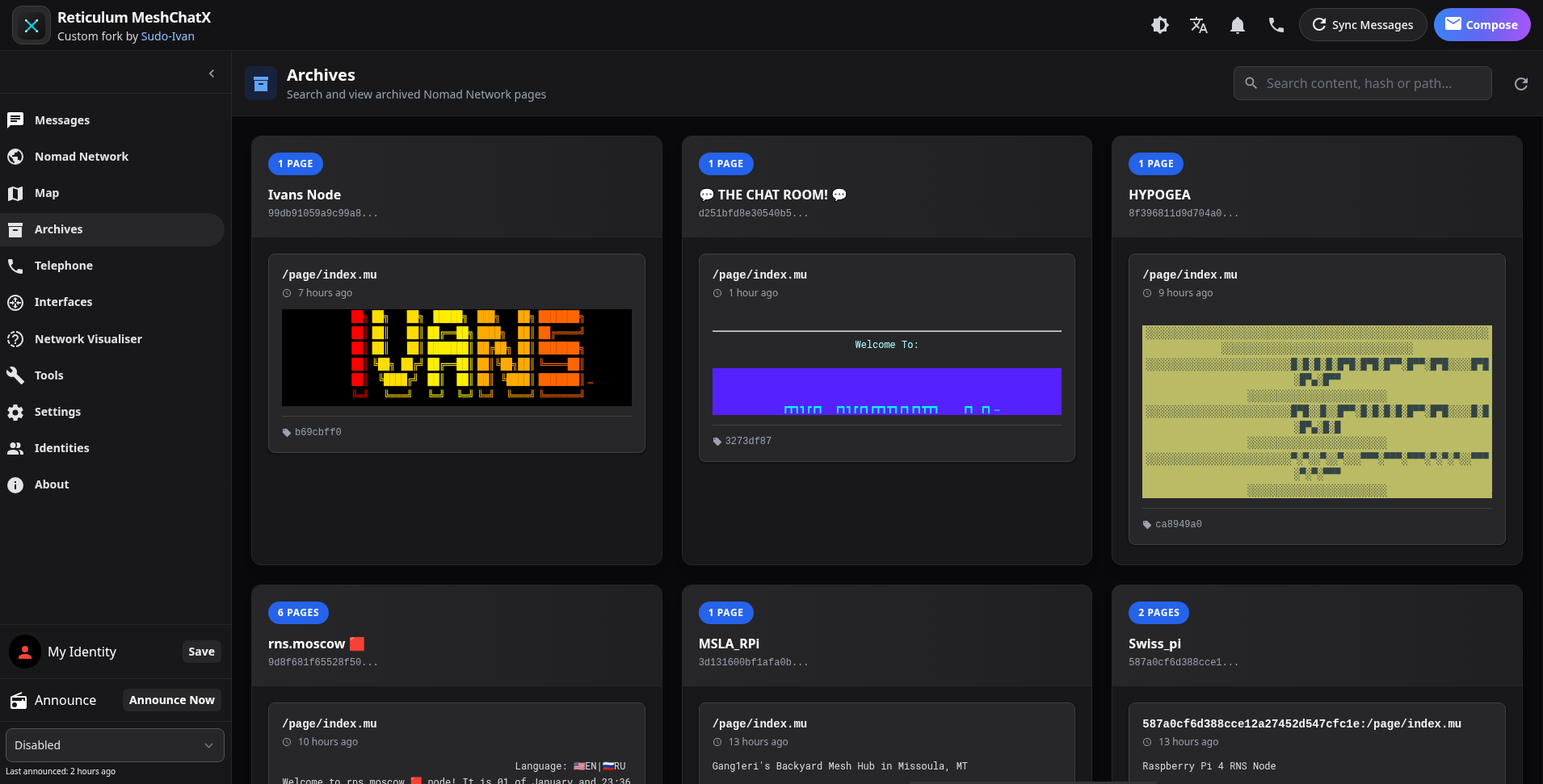
### Archives Browser
### Viewing Archived Page
Tools & Identities
### Tools
### Identity Management
### Pipx / Global Installation
If you prefer to install MeshChatX globally using `pipx, pip or uv`, you can do so directly from the repository. However, you must specify the path to your built frontend files using the `--public-dir` flag or `MESHCHAT_PUBLIC_DIR` environment variable, as the static files are not bundled with the source code. The release .whl packages include the built frontend files and also there is a seperate frontend zip to grab and use.
1. **Install MeshChatX**:
```bash
pipx install git+https://git.quad4.io/RNS-Things/MeshChatX
```
2. **Run with Frontend Path**:
```bash
# Replace /path/to/MeshChatX/meshchatx/public with your actual path
meshchat --public-dir /path/to/MeshChatX/meshchatx/public
```
### Manual Installation (From Source)
If you want to run MeshChatX from the source code locally:
1. **Clone the repository**:
```bash
git clone https://git.quad4.io/RNS-Things/MeshChatX
cd MeshChatX
```
2. **Build the Frontend**:
Requires Node.js and pnpm.
```bash
corepack enable
pnpm install
pnpm run build-frontend
```
3. **Install & Run Backend**:
Requires Python 3.10+ and Poetry.
```bash
pip install poetry
poetry install
poetry run meshchat --headless --host 127.0.0.1
```
## Configuration
MeshChatX can be configured via command-line arguments or environment variables.
| Argument | Environment Variable | Default | Description |
| :-------------- | :--------------------- | :---------- | :------------------- |
| `--host` | `MESHCHAT_HOST` | `127.0.0.1` | Web server address |
| `--port` | `MESHCHAT_PORT` | `8000` | Web server port |
| `--no-https` | `MESHCHAT_NO_HTTPS` | `false` | Disable HTTPS |
| `--headless` | `MESHCHAT_HEADLESS` | `false` | Don't launch browser |
| `--auth` | `MESHCHAT_AUTH` | `false` | Enable basic auth |
| `--storage-dir` | `MESHCHAT_STORAGE_DIR` | `./storage` | Data directory |
| `--public-dir` | `MESHCHAT_PUBLIC_DIR` | - | Frontend files path |
## Development
We use [Task](https://taskfile.dev/) for automation.
| Task | Description |
| :---------------------- | :--------------------------------------------- |
| `task install` | Install all dependencies |
| `task run` | Run the application |
| `task dev` | Run the application in development mode |
| `task lint` | Run all linters (Python & Frontend) |
| `task lint-python` | Lint Python code only |
| `task lint-frontend` | Lint frontend code only |
| `task format` | Format all code (Python & Frontend) |
| `task format-python` | Format Python code only |
| `task format-frontend` | Format frontend code only |
| `task test` | Run all tests |
| `task test:cov` | Run tests with coverage reports |
| `task test-python` | Run Python tests only |
| `task test-frontend` | Run frontend tests only |
| `task build` | Build frontend and backend |
| `task build-frontend` | Build only the frontend |
| `task wheel` | Build Python wheel package |
| `task compile` | Compile Python code to check for syntax errors |
| `task build-docker` | Build Docker image using buildx |
| `task run-docker` | Run Docker container using docker-compose |
| `task build-appimage` | Build Linux AppImage |
| `task build-exe` | Build Windows portable executable |
| `task build-electron-linux` | Build Linux Electron app |
| `task build-electron-windows` | Build Windows Electron apps |
| `task android-prepare` | Prepare Android build |
| `task android-build` | Build Android APK |
| `task build-flatpak` | Build Flatpak package |
| `task clean` | Clean build artifacts and dependencies |
## Security
- [ASAR Integrity](https://www.electronjs.org/docs/latest/tutorial/asar-integrity) (Electron 39)
- Built-in automatic integrity checks on all files (frontend and backend)
- HTTPS by default (automated locally generated certs)
- 3-layer redundant CORS protection (loading.html, python backend server, electron main.js)
- Updated dependencies and daily scanning (OSV)
- Container image scanning (Trivy)
- SBOM for dependency observability and tracking (soon)
- Extensive testing and fuzzing.
- Rootless docker images (soon)
- Pinned actions and container images (supply chain security and deterministic builds)
## Credits
- [Liam Cottle](https://github.com/liamcottle) - Original Reticulum MeshChat
- [RFnexus](https://github.com/RFnexus) - [micron-parser-js](https://github.com/RFnexus/micron-parser-js)
- [Marqvist](https://github.com/markqvist) - Reticulum, LXMF, LXST