# Reticulum MeshChatX
A [Reticulum MeshChat](https://github.com/liamcottle/reticulum-meshchat) fork from the future.
This project is seperate from the original Reticulum MeshChat project, and is not affiliated with the original project.
> [!WARNING]
> Backup your reticulum-meshchat folder before using, even though MeshChatX will attempt to auto-migrate whatever it can from the old database without breaking things. Its best to keep backups.
## Major Features
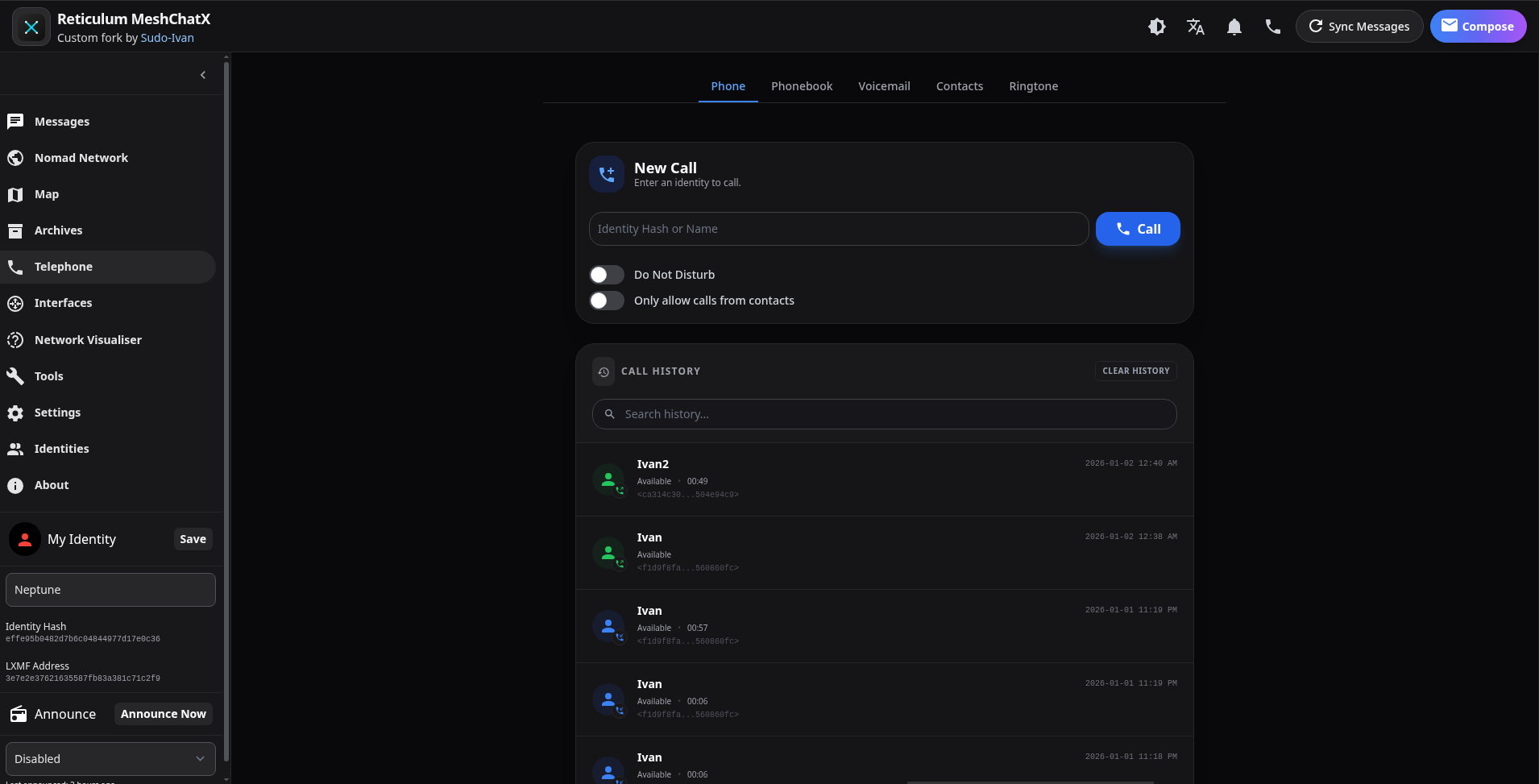
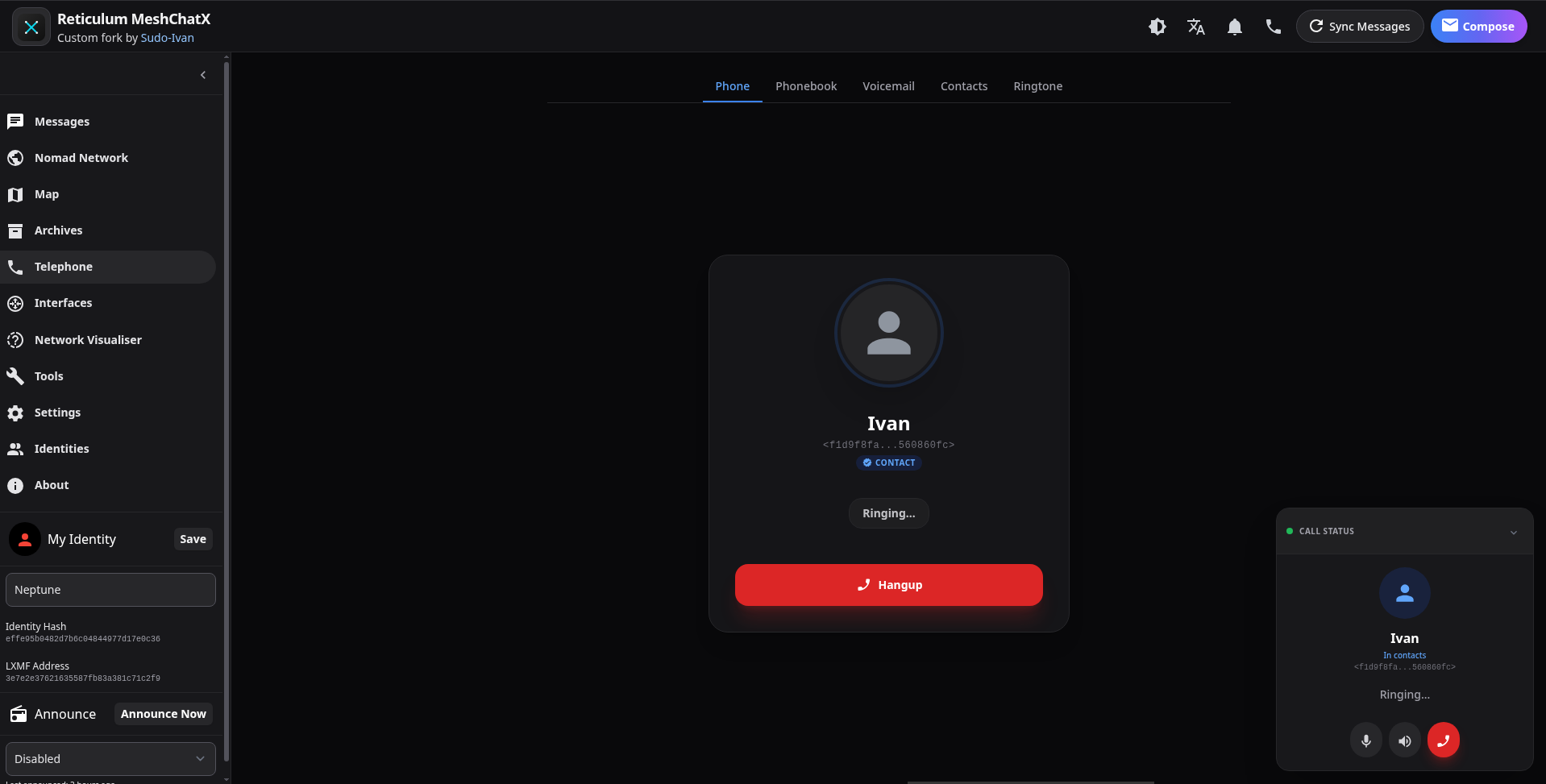
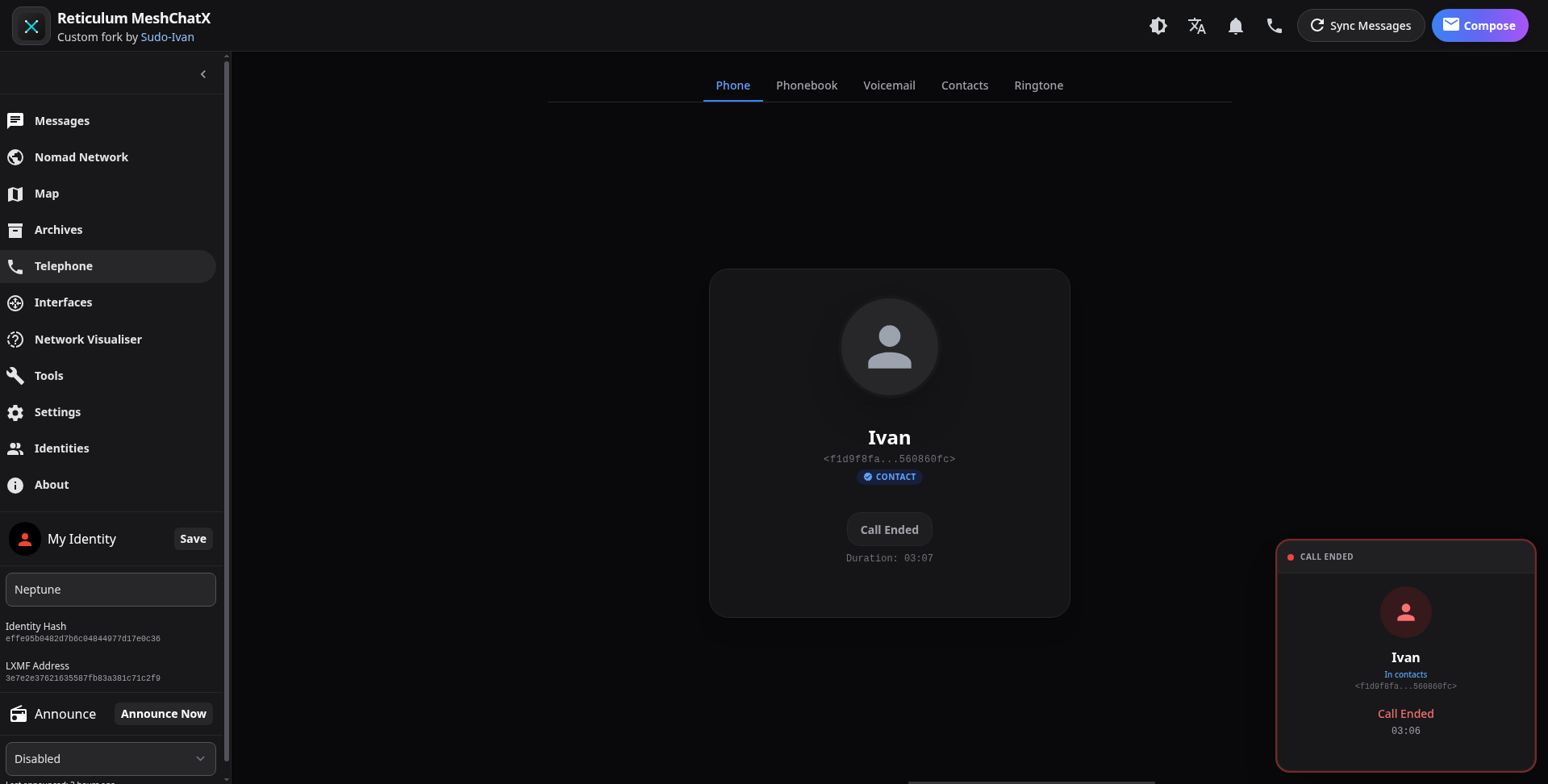
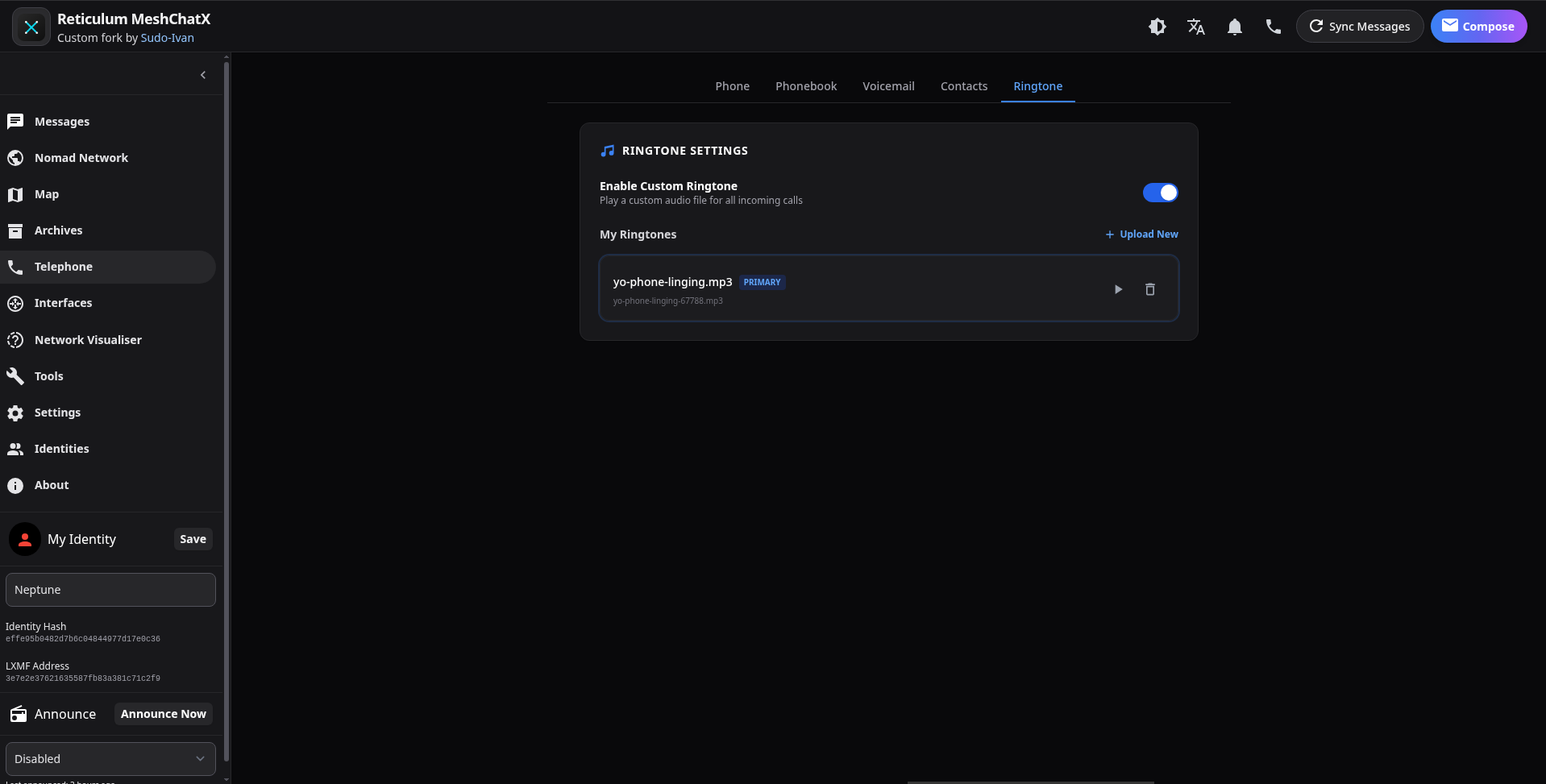
- Full LXST support w/ custom voicemail, phonebook, contacts, contact sharing and ringtone support.
- Multi-identity support.
- Authentication
- Map (OpenLayers w/ MBTiles upload and exporter for offline maps)
- Security improvements (automatic HTTPS, CORS, and much more)
- Modern Custom UI/UX
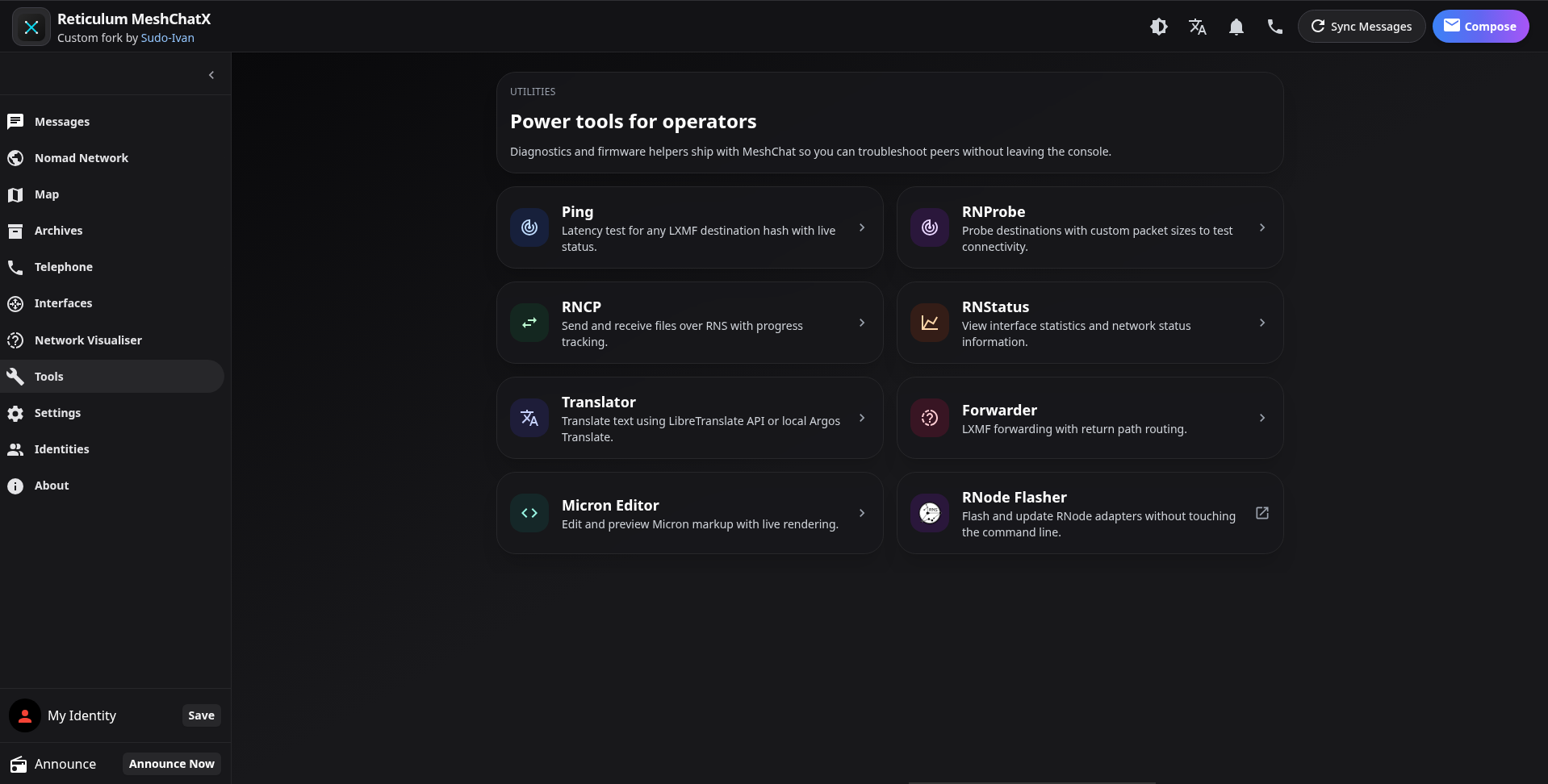
- More Tools (RNStatus, RNProbe, RNCP and Translator)
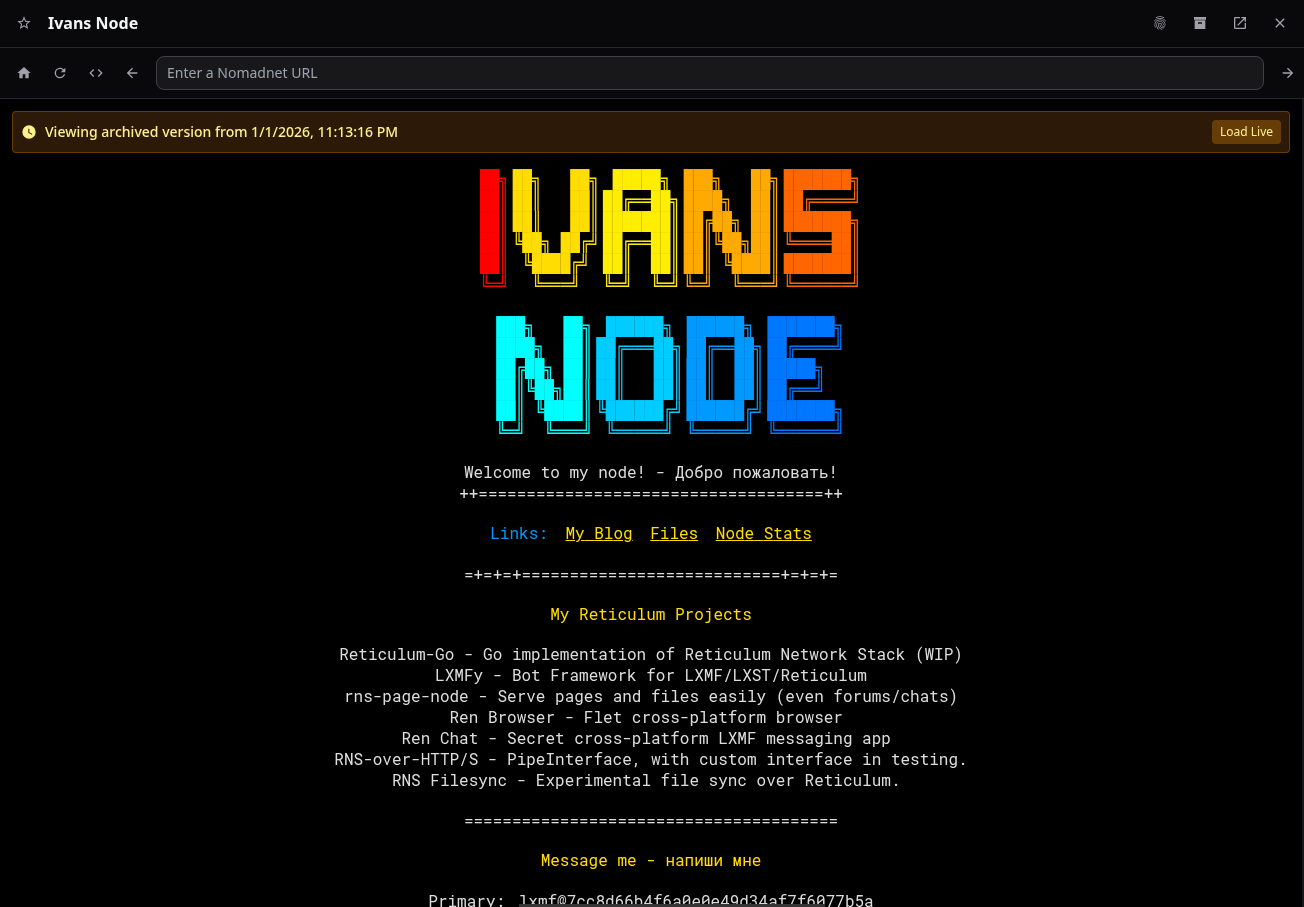
- Built-in page archiving and automatic crawler.
- Block LXMF users, Telephony and NomadNet Nodes
- Toast system for notifications
- i18n support (En, De, Ru)
- Raw SQLite database backend (replaced Peewee ORM)
- LXMF Telemetry support (WIP)
## Screenshots
Telephony & Calling
### Phone
### Active Call
### Call Ended
### Voicemail

### Ringtone Settings
Networking & Visualization
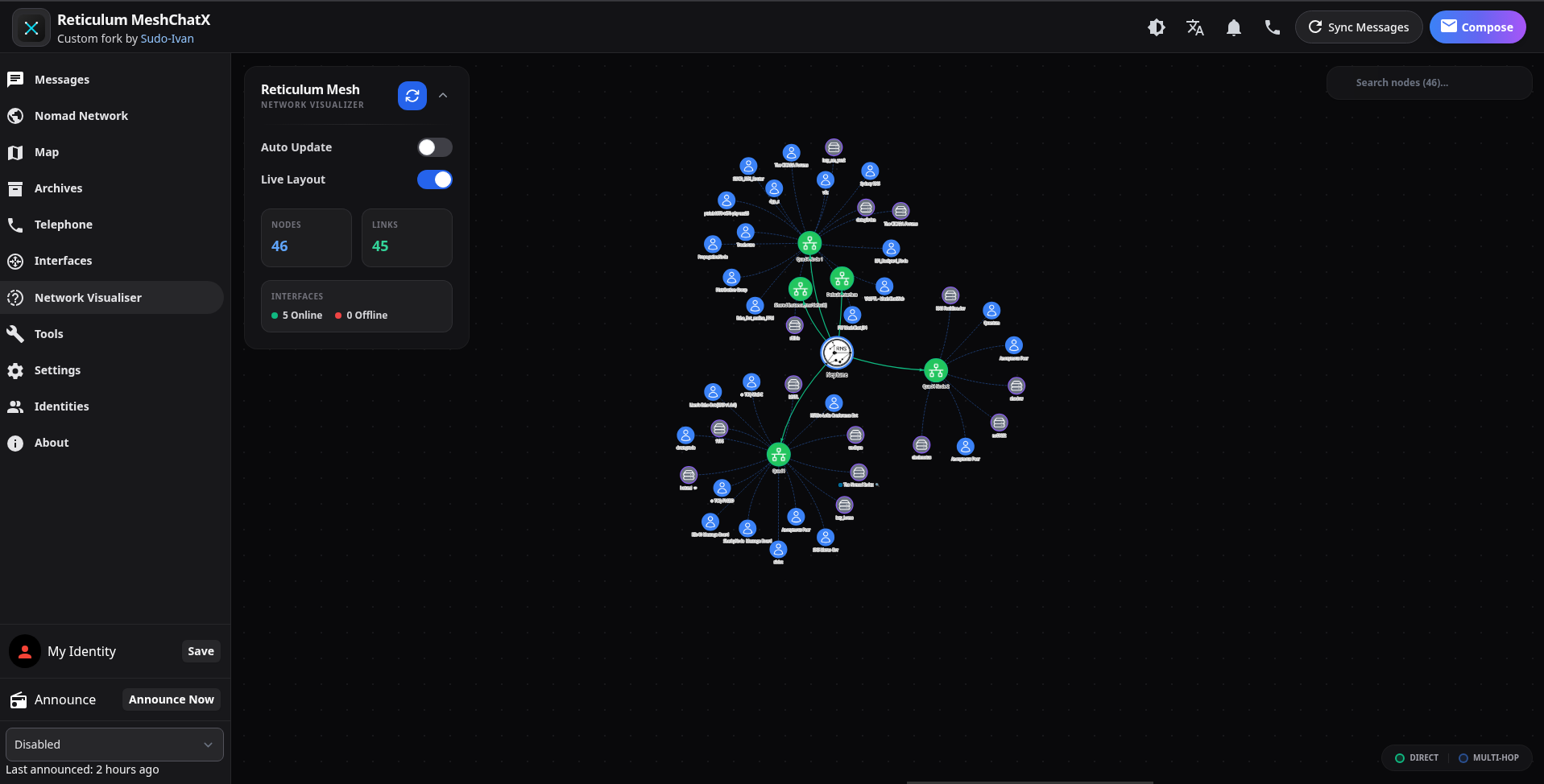
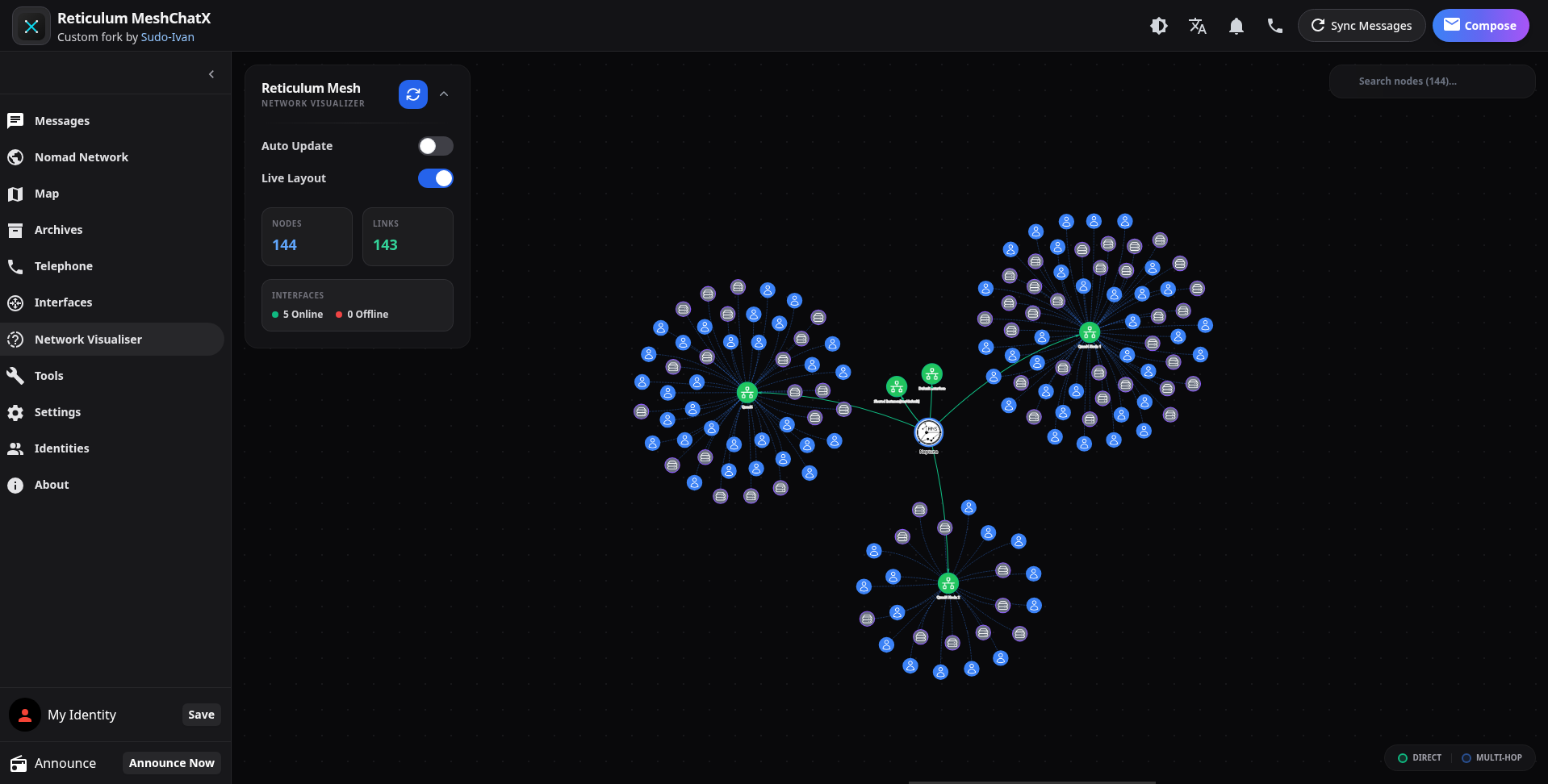
### Network Visualiser
Page Archives
### Archives Browser

### Viewing Archived Page
Tools & Identities
### Tools
### Identity Management

### Overview

## TODO
- [ ] Tests and proper CI/CD pipeline.
- [ ] RNS hot reload fix
- [ ] Offline Reticulum documentation tool
- [ ] Spam filter (based on keywords)
- [ ] TAK tool/integration
- [ ] RNS Tunnel - tunnel your regular services over RNS to another MeshchatX user.
- [ ] RNS Filesync - P2P file sync
- [ ] RNS Page Node
- [x] Micron Editor (w/ [micron-parser](https://github.com/RFnexus/micron-parser) by [RFnexus](https://github.com/RFnexus))
## Usage
Check [releases](https://git.quad4.io/Ivan/MeshChatX/releases) for pre-built binaries or appimages.
## Building
This project uses [Task](https://taskfile.dev/) for build automation. Install Task first, then:
```bash
task install # installs Python deps via Poetry and Node deps via pnpm
task build
```
You can run `task run` or `task develop` (a thin alias) to start the backend + frontend loop locally through `poetry run meshchat`.
### Available Tasks
| Task | Description |
| ---------------------------- | ------------------------------------------------------------------------------- |
| `task install` | Install all dependencies (syncs version, installs node modules and python deps) |
| `task node_modules` | Install Node.js dependencies only |
| `task python` | Install Python dependencies using Poetry only |
| `task sync-version` | Sync version numbers across project files |
| `task run` | Run the application |
| `task develop` | Run the application in development mode (alias for `run`) |
| `task build` | Build the application (frontend and backend) |
| `task build-frontend` | Build only the frontend |
| `task clean` | Clean build artifacts and dependencies |
| `task wheel` | Build Python wheel package (outputs to `python-dist/`) |
| `task build-appimage` | Build Linux AppImage |
| `task build-exe` | Build Windows portable executable |
| `task dist` | Build distribution (defaults to AppImage) |
| `task electron-legacy` | Install legacy Electron version |
| `task build-appimage-legacy` | Build Linux AppImage with legacy Electron version |
| `task build-exe-legacy` | Build Windows portable executable with legacy Electron version |
| `task build-docker` | Build Docker image using buildx |
| `task run-docker` | Run Docker container using docker-compose |
All tasks support environment variable overrides. For example:
- `PYTHON=python3.12 task install`
- `DOCKER_PLATFORMS=linux/amd64,linux/arm64 task build-docker`
### Python Packaging
The backend uses Poetry with `pyproject.toml` for dependency management and packaging. Before building, run `python3 scripts/sync_version.py` (or `task sync-version`) to ensure the generated `src/version.py` reflects the version from `package.json` that the Electron artifacts use. This keeps the CLI release metadata, wheel packages, and other bundles aligned.
#### Build Artifact Locations
Both `poetry build` and `python -m build` generate wheels inside the default `dist/` directory. The `task wheel` shortcut wraps `poetry build -f wheel` and then runs `python scripts/move_wheels.py` to relocate the generated `.whl` files into `python-dist/` (the layout expected by `scripts/test_wheel.sh` and the release automation). Use `task wheel` if you need the artifacts in `python-dist/`; `poetry build` or `python -m build` alone will leave them in `dist/`.
#### Building with Poetry
```bash
# Install dependencies
poetry install
# Build the package (wheels land in dist/)
poetry build
# Install locally for testing (consumes dist/)
pip install dist/*.whl
```
#### Building with pip (alternative)
If you prefer pip, you can build/install directly:
```bash
# Build the wheel
pip install build
python -m build
# Install locally
pip install .
```
### Building in Docker
```bash
task build-docker
```
`build-docker` creates `reticulum-meshchatx:local` (or `$DOCKER_IMAGE` if you override it) via `docker buildx`. Set `DOCKER_PLATFORMS` to `linux/amd64,linux/arm64` when you need multi-arch images, and adjust `DOCKER_BUILD_FLAGS`/`DOCKER_BUILD_ARGS` to control `--load`/`--push`.
### Running with Docker Compose
```bash
task run-docker
```
`run-docker` feeds the locally-built image into `docker compose -f docker-compose.yml up --remove-orphans --pull never reticulum-meshchatx`. The compose file uses the `MESHCHAT_IMAGE` env var so you can override the target image without editing the YAML (the default still points at `ghcr.io/sudo-ivan/reticulum-meshchatx:latest`). Use `docker compose down` or `Ctrl+C` to stop the container.
The Electron build artifacts will still live under `dist/` for releases.
### Standalone Executables (cx_Freeze)
The `cx_setup.py` script uses cx_Freeze for creating standalone executables (AppImage for Linux, NSIS for Windows). This is separate from the Poetry/pip packaging workflow.
## Internationalization (i18n)
Multi-language support is in progress. We use `vue-i18n` for the frontend.
Translation files are located in `meshchatx/src/frontend/locales/`.
Currently supported languages:
- English (Primary)
- Russian
- German
## Credits
- [Liam Cottle](https://github.com/liamcottle) - Original Reticulum MeshChat
- [micron-parser-js](https://github.com/RFnexus/micron-parser-js) by [RFnexus](https://github.com/RFnexus)